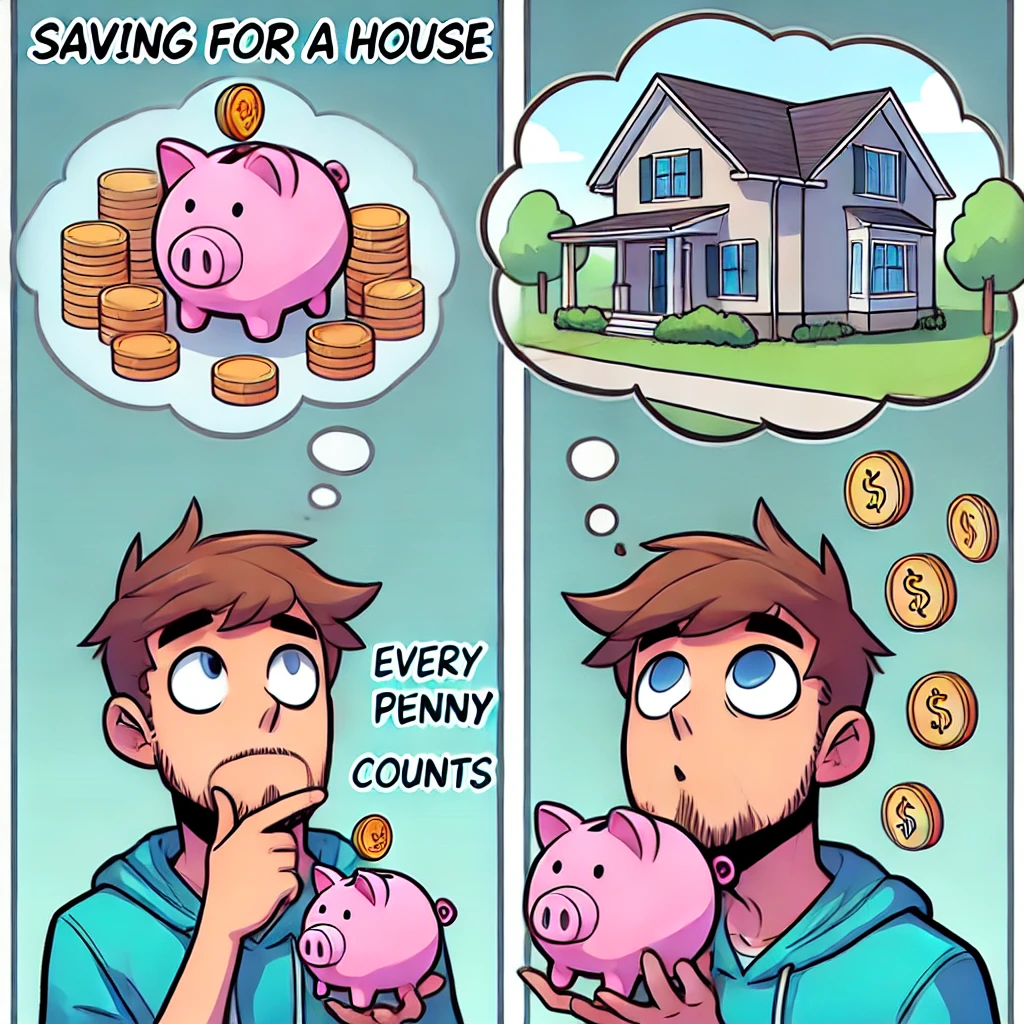

💼 About the LPS Down Payment Assistance Program:
The LPS Down Payment Assistance helps you create a saving and growth plan to save the money you need to get the home you want using the LPS PPP proprietary money making platform.
Income Generation through Our Proprietary Trading Platform
Our proprietary trading platform generates income for you, without providing direct access to clients. Here’s how it works:
- Service Fee: You pay a fee for our service.
- Fund Utilization: We use our funds to generate income.
- Down Payment Support: Upon finding a property, you get the down payment needed to close, with the funds placed in escrow.
- Indirect Benefit: You never receive the money directly. This is not an investment for you to receive a direct disbursement. Funds go into a trust, and the trustee will handle the rest.
- Time Frame and Fees: The time frame to generate the income is determined by the amount of the fee you are able to pay. You can use the calculator to determine your needs and the estimated time frame to reach your desired goal amount.

🏡 Home Purchase Calculator Instructions
📋 Enter Purchase Price of the Home:
- Input the total cost of the home you plan to purchase in the “Purchase Price of the Home” field.
💲 Enter Interest Rate (%):
- Provide the annual mortgage interest rate as a percentage in the “Interest Rate (%)” field.
- Example: 6.85%
💰 Enter Current Savings:
- Fill in the amount you currently have saved in the “Current Savings” field.
🔢 Enter Down Payment Percentage (%):
- Specify the percentage of the home price that you plan to pay upfront in the “Down Payment Percentage (%)” field.
🔄 View Down Payment Amount:
- The “Down Payment Amount” will be automatically calculated and displayed based on the percentage you provided.
🧾 Enter Closing Costs Percentage (%):
- Default value is set to 3%. Adjust if necessary in the “Closing Costs Percentage (%)” field.
🧮 Calculate Home Purchase:
- Click the “Calculate” button to compute the total savings needed and the shortfall amount.
💹 Adjust Investment Amount:
- Use the slider to adjust the investment percentage to see how it impacts the time to achieve your savings goal.
📊 Review LPS Down Payment Assistance Details:
- The calculator will show:
- Investment Required
- Estimated Time to Reach Goal in days, weeks, and months
- Compounding Rate (1% to 2% daily)
- The calculator will show:
By following these steps, you can efficiently use the Home Purchase Calculator to plan your home purchase, understand the amount of money you need to save, and develop a strategy to reach your savings goal.
Home Purchase Calculator
Home Purchase Details
Adjust Investment Amount:
$1